Sage Year End Support Center Links + Upgrade Instructions for 2019

Its that time of year again!
Time to prepare for Year End and Tax Filing!
Sage City Year End Support Center
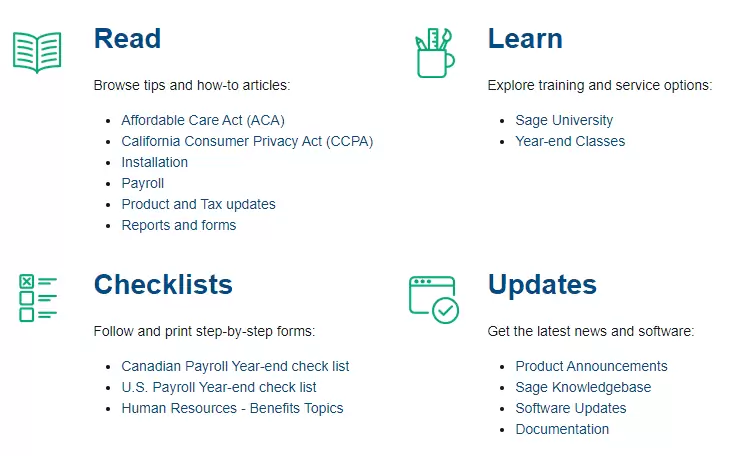
Sage has created a Global Year End Support Center for several of the Sage solutions. From Sage Payroll product and tax table updates to standardized reports and compatible tax forms, users can find the latest knowledge base articles, training videos, and online forums to ask other users for advice all in one place.
Sage 100cloud ERP Year End Support Center
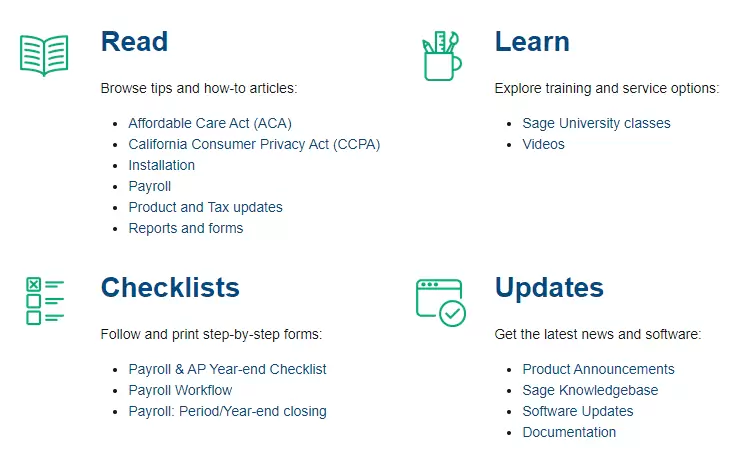
Sage 300cloud ERP Year End Support Center
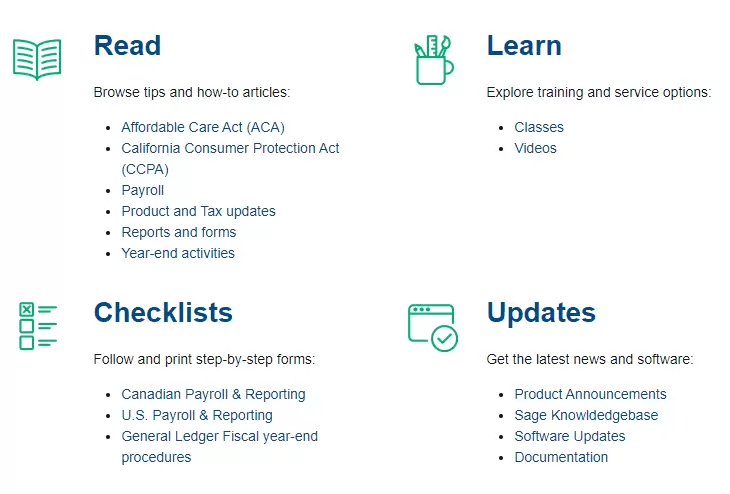
Sage Fixed Assets Year End Support Center
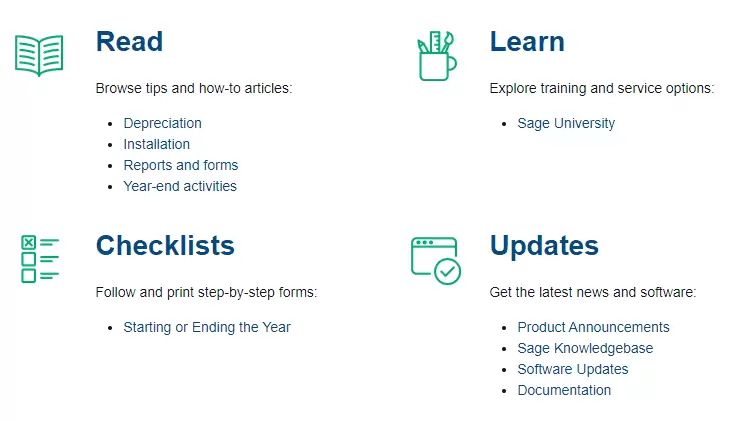
Sage HRMS Year End Support Center
Sage Year End Upgrade Advice + Instructions from DSD
In mid-December 2019, Sage released the following updates:
Payroll 2.20 for Sage 100 2018/2019
-Will contain the new W-4 statuses
2019 Year End IRD (“Interim Release Download”) for Sage 100 2017:
-Will contain the required tax compliance changes
–Will also contain the 2020 Q1 Tax Table Update for Sage 100.
VITAL INFORMATION FOR YEAR END PROCESSING
Sage historically supports only the LATEST THREE versions of Sage 100 (2019, 2018, and 2017) for installation of the 2019 Year End IRD, the 2020-Q1 Payroll Tax Table update, and for eFiling / printing of 2019 tax forms.
Processing 2019 Payroll W-2/W-3 forms,
ACA forms, or 2019 AP 1099 forms?
You MUST have one of the following supported versions installed:
For the AP IRD:
-2017.1 or later
-2018.2 or later
-2019.0 or later
For the Payroll IRD
-2017.1 or later
2020 Q1 Tax Table Update
-2017.1 or later
Payroll 2.20.0
-2018.2 or later
-2018.5 is required if planning to use certified payroll.
-2019.1 or later
This is NOT required before running W-2’s.
It IS required before using any new filing statuses in 2020.
As always, we recommend installing the latest product updates. Be sure to check and make sure you do not have any custom programming before installing.
Identify your installed version 3 ways:
- Click the Help Menu and select “About Sage 100…”
- Navigate to Library Master –> Reports –> Installed Modules Listing.
- Contact the DSD Sage 100 Support Team Here.
VITAL INFORMATION FOR YEAR END TAX FORMS
We strongly recommend using the connected Aatrix E-filing and Reporting Service for Federal and State W2/W3, ACA, and 1099 forms.
- If you use the Aatrix service (separate but reasonable charge required) then you DO NOT have to purchase 2019 tax forms and matching envelopes.
- If you plan to print and mail your tax forms yourself, you will need to order the correct W2, ACA, and 1099 forms. The list of Sage 100 compatible 2019 forms can be found here: Sage Tax Form Library
OVERWHELMED?
We’re here for you!
Simply contact the DSD Sage Support Team for assistance with:
- Installation of a product update
- An upgrade of your Sage 100 version
- Schedule 2019 year-end assistance
- Other Sage 100 needs
Our Sage 100 Year End Specialists are happy to help!